What Is IPTV Middleware? How IPTV Technology Works (2026)
Table of Contents
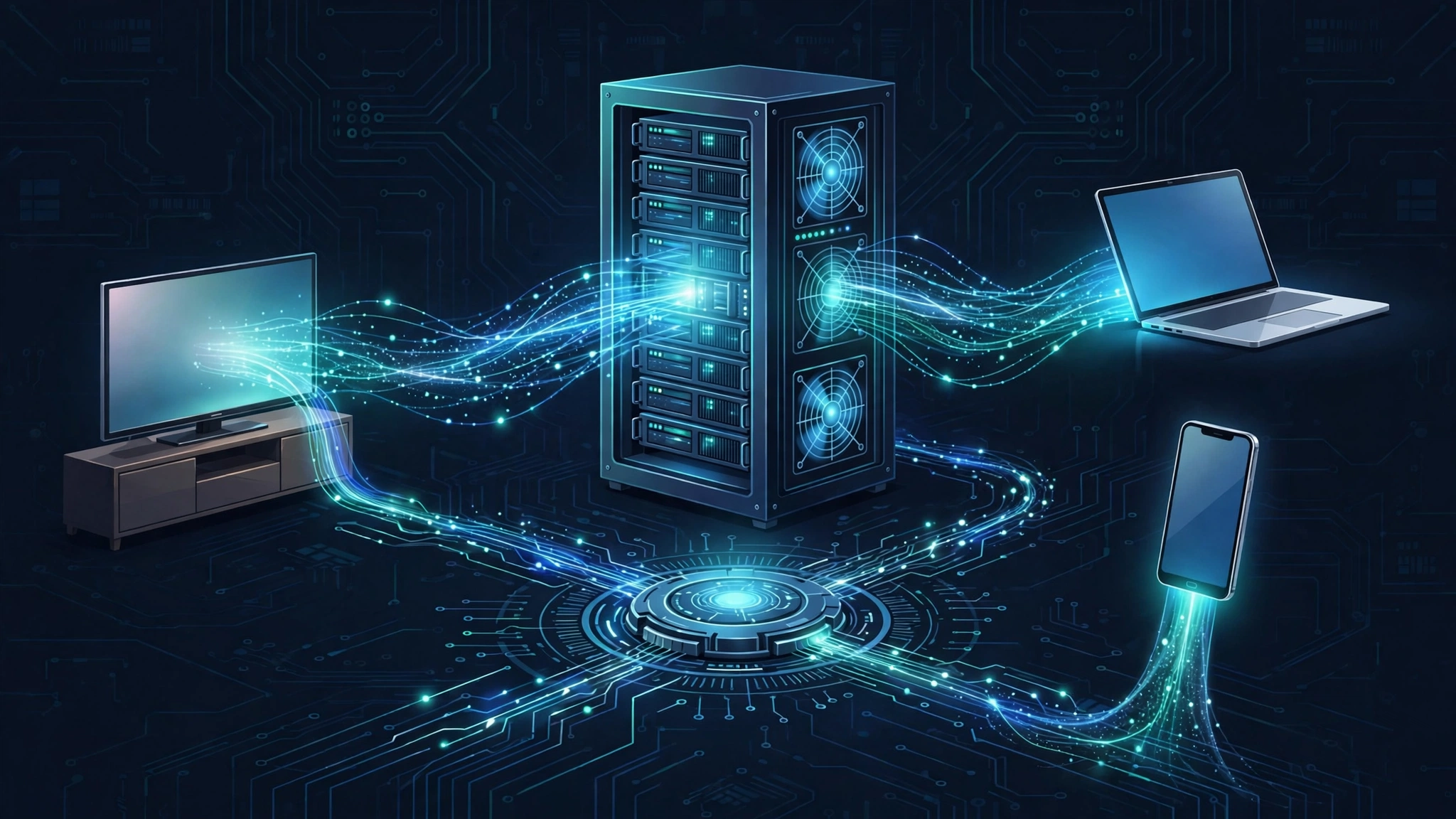
If you’ve ever asked “what is IPTV middleware,” you’re asking one of the most useful questions in streaming. IPTV — television delivered over internet-protocol networks — powers everything from your provider’s TV app to the hotel room channel menu, and IPTV middleware is the software layer that ties the whole system together. It sits between the streaming servers that hold the channels and the app on your screen, turning raw video streams into a polished viewing experience with menus, channel lists, and on-demand libraries.
In this plain-English explainer, you’ll learn what IPTV middleware does, how IPTV works from the headend to your home, what IPTV streaming servers are, how much bandwidth IPTV actually uses, what managed IPTV means, how IPTV differs from OTT, and how legitimate IPTV systems are built for hotels, campuses, and enterprises. By the end, the question “what is IPTV middleware” will feel like a starting point — you’ll understand the servers, protocols, and networks that make internet television work.
What Is IPTV Middleware?
What is IPTV middleware? In plain terms, it’s the software that sits between an IPTV provider’s servers and your player app, organizing everything you see on screen — the channel guide, the on-demand catalog, the menus, the login, and the billing. Without it, an IPTV service would be a pile of raw video streams with no way to browse them.
Think of it like the operating system on your phone. You never watch a video inside the operating system, but nothing works without it: it handles the menus, the apps, and the rules. IPTV middleware plays a similar role for a streaming service. It’s the software layer that presents the interface, remembers who you are, checks what your subscription includes, and connects each click to the right video stream.
So what is IPTV middleware actually made of? Typically it has three jobs:
- User management and authentication. It verifies logins, tracks subscriptions, and enforces parental controls and device limits.
- Content presentation. It organizes channels and on-demand titles into the guide and catalog, pulls in program schedules, and handles search.
- Service integration. It connects to billing systems, advertising servers, analytics, and the streaming servers themselves so everything works as one system.
IPTV middleware is what makes an IPTV service feel like one coherent product instead of a folder full of video links. If you use a provider’s own app with a polished channel guide and a profile login, you’re looking at middleware in action. That guide and login screen are middleware’s visible face — and that visible polish is exactly why the question comes up so often.
How IPTV Works: From Headend to Your Screen
IPTV technology describes how television travels over internet-protocol networks instead of traditional cable, satellite, or antenna signals. The full journey runs through four stages, each handled by different equipment or software.
1. The headend: where channels are received
Every IPTV system starts at a headend, the facility where live channels arrive from their sources — satellite feeds, fiber connections, or direct broadcaster links. The headend receives these signals, decodes them, and prepares them for the internet. For an introduction to this stage, our guide to what IPTV is covers the basics of the technology.
2. Encoding and the streaming server
Once channels arrive, they are encoded — compressed from massive studio signals into efficient formats your home connection can handle (usually H.264 or the newer H.265/HEVC). The encoded streams then live on the provider’s streaming servers, which store and serve the video to viewers on demand. Encoders also create multiple quality versions of each stream so your player can step quality up or down with your connection speed. Learn more in our IPTV encoder overview linked from the IPTV technology basics.
3. Delivery across the network
The streaming server sends video over the provider’s network using IP protocols. In managed networks this is often multicast — one copy of a live channel sent once and shared by everyone watching it — while over the open internet it’s usually unicast or adaptive streaming, where each viewer gets their own connection. (We’ll unpack these protocols further below.)
4. The player: your TV, phone, or box
At the end of the chain, a player app on your device receives the stream, decodes it, and shows it on screen. The IPTV middleware layer feeds this app its menus and guide, and the app feeds back your selections. This division of labor — servers deliver, middleware organizes — is the heart of what is IPTV middleware and why every IPTV system needs both halves. Our guide to what an IPTV player is explains the player side of this relationship in detail.
What Is an IPTV Streaming Server?
What is an IPTV streaming server? It’s the computer (or cluster of computers) in an IPTV system that stores encoded video and delivers it to viewers’ devices when they press play. If the headend is the studio kitchen and IPTV middleware is the waiter who hands you the menu, the streaming server is the kitchen that actually serves the food.
People often search for what is IPTV middleware and what is an IPTV streaming server in the same breath, so here’s the clean distinction: middleware organizes and controls (menus, logins, subscriptions), while the streaming server delivers the video itself. They depend on each other — a server without middleware is just video files with no way to browse them, and middleware without servers is a beautiful menu with no food.
A streaming server typically handles several jobs at once:
- Live streaming. It takes the encoded live channels from the headend and pushes them out to thousands of viewers simultaneously, often using multicast in managed networks to avoid duplicating the same stream thousands of times.
- Video on demand (VOD). It stores movie and show libraries so individual viewers can start, pause, and rewind whenever they like. Each VOD session is a one-to-one connection.
- Time-shifted TV. It records and holds recent broadcasts so viewers can pause live TV or catch up on shows they missed — the storage behind catch-up and cloud-DVR features.
Streaming servers are built for throughput and reliability: lots of network capacity, fast storage, and software tuned to hand out video to huge numbers of simultaneous viewers without stuttering. That reliability work continues on your side of the chain too — if streams stutter on a healthy connection, our guide to fixing IPTV buffering walks through the common causes.
How Much Bandwidth Does IPTV Use?
How much bandwidth does IPTV use? Each IPTV stream typically needs between 1 Mbps for standard-definition and up to 25 Mbps for 4K Ultra HD, with most everyday HD viewing in the 6–10 Mbps range per stream. The exact number depends on resolution and codec efficiency.
The key point: IPTV bandwidth is per stream. If your household watches two HD channels at once — say a live football match in the living room and a VOD movie in the bedroom — the network carries two separate streams, so you need the bandwidth for both added together.
Here are the typical industry ranges used by providers and system planners (approximate per-stream figures):
| Stream quality | Resolution | Typical bitrate per stream | What it’s enough for |
|---|---|---|---|
| SD | 480p | 1–3 Mbps | Basic channels, small screens |
| HD | 720p | 3–6 Mbps | Standard high-definition viewing |
| Full HD | 1080p | 6–10 Mbps | Crisp HD on large TVs |
| 4K UHD | 2160p | 15–25 Mbps | Ultra HD on 4K TVs |
These are planning ranges, not guarantees — actual bitrates vary with content (fast sports need more than talk shows) and with codec efficiency. A practical takeaway: a home connection advertised at 50 Mbps comfortably handles two or three simultaneous HD streams, while 4K-heavy households want more headroom. Add a small margin for background traffic and the connection never being at its full advertised speed.
IPTV vs OTT: What’s the Difference?
What is the difference between IPTV and OTT? The short answer: IPTV delivers television over a managed, provider-controlled network, while OTT (over-the-top) delivers video over the open internet with no network control. Both use internet-protocol technology, but IPTV manages the whole pipe, and OTT rides on top of whatever internet connection you already have.
A common phrasing of the same question is “what is the difference between OTT and IPTV” — same question, same answer, just reversed. The distinction matters because it explains why IPTV services (like a telco’s TV offering or a hotel’s TV system) can guarantee channel quality, while OTT services (like Netflix or YouTube) are best-effort: great on a fast connection, limited on a slow one.
| IPTV | OTT | |
|---|---|---|
| Network | Managed, provider-controlled (dedicated bandwidth) | Open internet (your existing ISP connection) |
| Delivery method | Often multicast: one stream shared by many viewers | Unicast: one dedicated stream per viewer |
| Quality control | Operator guarantees bandwidth and picture quality | Best-effort: adapts to your connection speed |
| Access | Usually a provider box or app on a managed network | Any app or browser, on any network |
| Typical examples | Telco/broadband TV packages, hotel and campus TV systems | Netflix, YouTube, Disney+ |
| Channel model | Live channels + VOD bundled by the operator | Usually on-demand libraries, some live |
In practice the lines blur: many modern IPTV services now stream over the open internet using adaptive bitrate protocols, which look a lot like OTT from the viewer’s perspective. The technical definition of IPTV still centers on the managed-network heritage — but if what is IPTV middleware feels more relevant to one column, it’s IPTV: middleware is the hallmark of the managed model, where the operator curates the whole experience.
What Is Managed IPTV?
What is managed IPTV? It’s an IPTV service delivered over a network the operator controls end to end — typically a broadband network where the provider reserves bandwidth for TV traffic and manages the headend, servers, middleware, and often the viewing device. Because the operator owns or prioritizes the pipe, a live channel always gets its bandwidth and arrives on time.
Managed IPTV is the classic model: a broadband company’s own TV service running on its own network, a hotel’s in-room TV system, a campus or hospital network, or an airline’s seatback entertainment. Managed IPTV is also where the question of what is IPTV middleware matters most: the middleware console is how operators manage every room, ward, or classroom at once. The opposite is unmanaged (or over-the-top-style) IPTV, where the provider streams channels over the public internet to any app — no network control, but no network constraints either.
The managed model has real advantages for live television: multicast delivery makes live channels cheap to distribute to thousands of viewers at once, and reserved bandwidth means the match doesn’t pixelate just because the rest of the network got busy. That’s why large-scale live distribution — hotels, stadiums, cruise ships, corporate campuses — still runs on managed IPTV principles, often with the IPTV middleware layer coordinating everything behind the scenes.
IPTV Delivery Protocols: Multicast, Unicast, and Adaptive Streaming
Underneath the menus and apps, IPTV moves video with a handful of standard protocols. You don’t need to memorize them, but knowing the names helps you read provider documentation — and explains why IPTV behaves the way it does.
- Multicast. The provider sends one copy of a live channel into the network, and every viewer tuned to that channel receives the same copy. This is the secret behind managed IPTV economics: a million viewers watching the same football match cost the provider barely more than one viewer. It only works on networks built to support it.
- Unicast. Each viewer gets their own dedicated connection to the server. This is how VOD works everywhere (everyone starts different shows at different times), and how live IPTV works over the open internet where multicast isn’t available. It scales by adding server capacity.
- Adaptive bitrate streaming (HLS / MPEG-DASH). The video is chopped into small segments in several quality levels. Your player measures your connection and grabs the best quality each segment can support, stepping up or down seamlessly. This is what makes streams survive a busy Wi-Fi network — and it’s also why buffering troubleshooting usually starts with the connection rather than the provider.
Most consumer IPTV over the open internet today runs on unicast plus adaptive bitrate streaming; managed networks keep using multicast for live channels because it’s far more efficient at scale. Protocols deliver the streams, but what is IPTV middleware? It’s the layer above them — the software that decides which stream each viewer is allowed to see and wraps it all in a watchable interface.
How Legitimate IPTV Systems Are Built (Hotels, Campuses & Enterprises)
You may have searched phrases like “how to build an IPTV network,” “how to make an IPTV server,” or “how to set up your own IPTV system.” Here’s the honest answer: building a legitimate IPTV system is an enterprise project — assembling licensed content rights, a headend, encoding, streaming servers, middleware, distribution, and client apps into one engineered system.
Where this actually happens in the real world:
- Hotels and hospitality. A hotel licenses channels and builds an IPTV system so every room gets a channel guide, welcome screen, and on-demand movies — all managed from one headend and middleware console.
- Campuses and education. Universities distribute lectures, campus announcements, and licensed channels across dorms, classrooms, and digital signage from a central IPTV platform.
- Healthcare and corporate. Hospitals pipe TV and information channels to patient rooms; corporations push training video and all-hands streams across offices — with access controlled by middleware.
The step everyone outside these projects underestimates is content rights: a legitimate IPTV operator licenses every channel and title it distributes, which is what separates licensed services from the unlicensed “providers” that operate without rights. If a how-to guide promises you can build your own IPTV server for consumers without mentioning licensing, treat it as a red flag — our guide on how to spot legal vs illegal IPTV services explains what to watch for. For consumer viewing, the legitimate path is simply subscribing to a licensed provider; our overview of IPTV costs covers what that looks like.
Frequently Asked Questions
What is IPTV technology in one sentence?
IPTV technology is television delivered as video streams over internet-protocol networks instead of traditional cable, satellite, or antenna signals — organized by middleware, delivered by streaming servers, and watched through player apps.
What is managed IPTV?
What is managed IPTV? It’s IPTV delivered over a network the operator controls end to end, with reserved bandwidth for TV traffic — the model behind telco TV services, hotel TV systems, and campus networks, where the provider can guarantee picture quality for live channels.
How much bandwidth does IPTV use?
How much bandwidth does IPTV use? Roughly 1–3 Mbps per SD stream, 3–6 Mbps for HD, 6–10 Mbps for Full HD, and 15–25 Mbps for 4K — with the total depending on how many streams your household watches at once, since bandwidth adds up per stream.
What is the difference between IPTV and OTT?
The difference between IPTV and OTT is network control: IPTV runs over a managed, provider-controlled network (often using multicast), while OTT streams over the open internet to any app with no network control. IPTV can guarantee quality; OTT adapts to whatever connection you have.
What is an IPTV streaming server?
An IPTV streaming server is the system that stores encoded video and delivers it to viewers — handling live channels, video-on-demand libraries, and time-shifted catch-up TV. It’s the “kitchen” that serves the video, while the middleware is the “waiter” presenting the menu.
Who provides enterprise IPTV solutions?
Enterprise IPTV solutions come from specialized IPTV system vendors and audiovisual integrators who sell turnkey systems — headend, encoders, streaming servers, middleware, and support — to hotels, hospitals, universities, and corporations. Enterprises buy complete engineered systems with licensing, not DIY kits.
The Bottom Line
Now you know what is IPTV middleware and how the whole technology fits together: the headend receives channels, encoders and streaming servers prepare and deliver the video, the network carries it via multicast or adaptive streaming, and the middleware turns it all into the guide, menus, and login you see on screen. IPTV and OTT are two flavors of internet video — managed versus open — and managed IPTV still rules wherever guaranteed live quality matters, from hotels to hospitals.
If you’re here to watch rather than to build, the legitimate path is simple: pick a licensed provider, a good player app, and a capable device. Our getting started with IPTV guide covers what you need, and our best IPTV players roundup compares the apps. And if anything stutters along the way, you now know exactly which layer of the system to suspect first.

2 Comments